Lease Audit Trail - How To
The Crunchafi Lease Accounting platform provides detailed lease audit trails that track all operational and lease-related activities per client, accessible via the "My Leases" page by selecting a specific lease and viewing its audit trail, with options to export the data to Excel and additional support resources available.
Lease Audit Trail
Learn how to keep track of activities and changes on leases, including exporting the details to Excel
View our walk-through or review the information below.
Tourial

Contact Support
Audit Trails record operational and lease events for every client.
Start Tour


reCAPTCHA
Recaptcha requires verification.
protected by reCAPTCHA
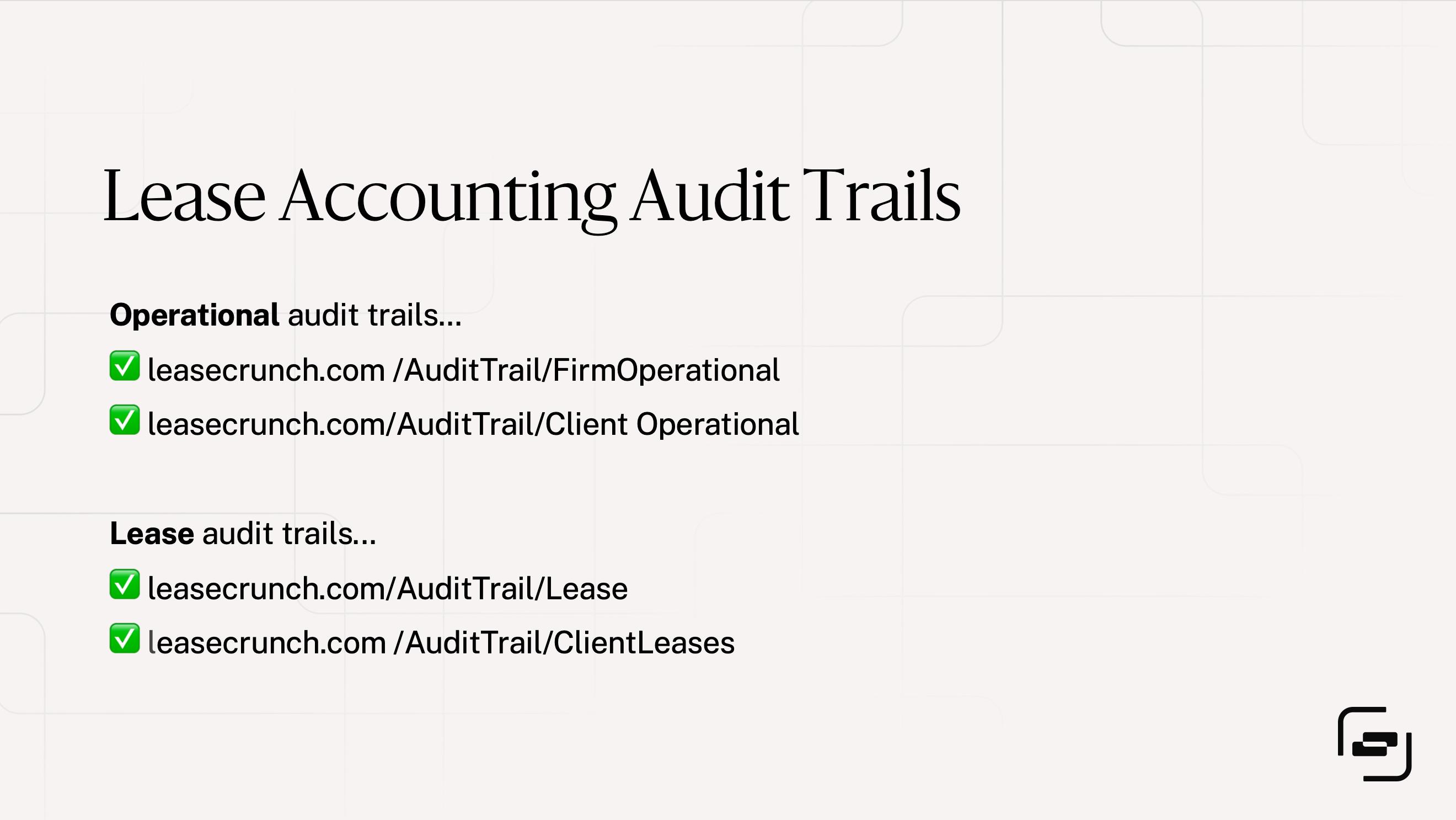
There are two types of audit trails in Crunchafi Lease Accounting: operational/system logs and lease-related activities.
Lease Audit Trails
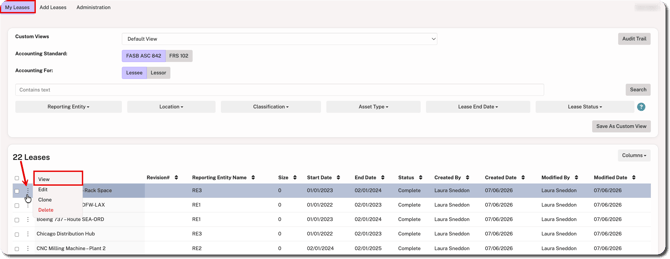
To see the audit trail for a specific lease, go to the My Leases page, click the ⋮ (more) option to the left of the lease name, and click View.
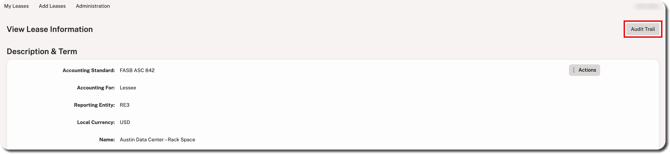
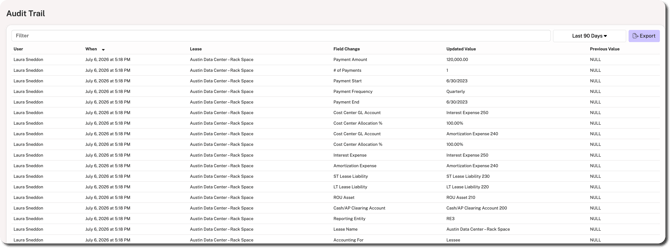
Click the Audit Trail button located in the top-right corner.
The audit trail provides a breakdown of any values set or changed, including the name of the user who made the change, the date/time, and the previous value (if applicable). Click on the Last 90 Days dropdown (default) to choose a built-in date filter or set a custom date range. Additionally, you can filter by entering keywords and/or click Export to download the log.
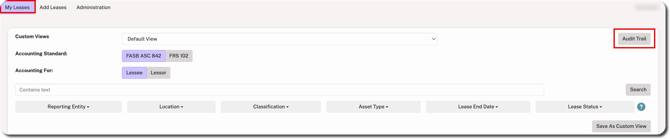
To see the audit trail for all leases in the client account you are viewing, click Audit Trail in the top-right corner of the My Leases page.
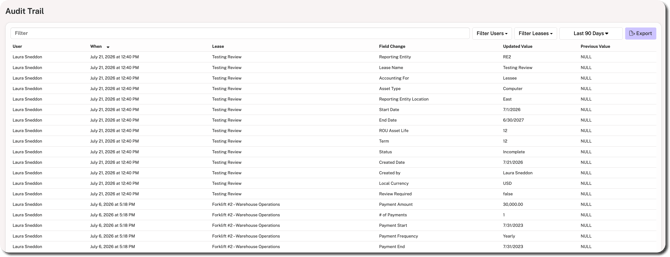
The audit trail provides a breakdown of any values set or changed across leases, including the name of the user who made the change, the name of the lease that was modified, the date/time, and the previous value (if applicable). You can filter this audit trail by entering keywords, selecting one or more specific users, selecting one or more specific leases, and/or setting a specific date range. Click Export to download the log.
Operational Audit Trails
There are two operational/system audit trails: one for firm users that show activity across client accounts and one at the client account level that shows activity for a specific client only.
Firm Audit Trail
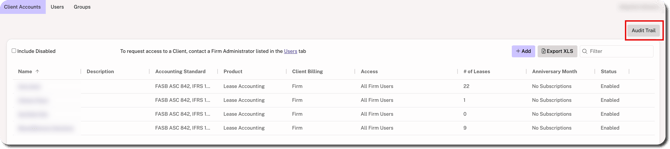
When logged in as a Firm Admin, click Audit Trail in the top-right corner from any tab (i.e., Client Accounts, Users, or Groups) to see the activity across all your client accounts.
NOTE
The firm-level audit trail is only visible to users with the Firm Admin role.
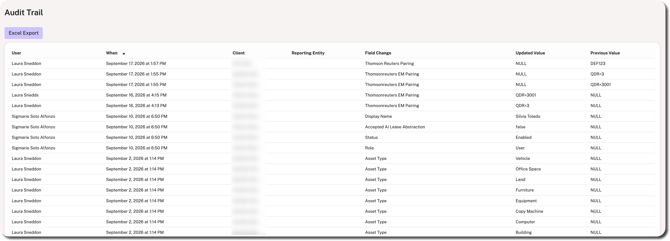
The audit trail shows all activity related to system configurations and other lease-related settings ranging from changing a client's status to adding asset types. This includes the name of the user, the time/date, the client name, and previous values (if applicable). Click Excel Export above the table if you need to download the log for further viewing/filtering.
Client Account Audit Trail
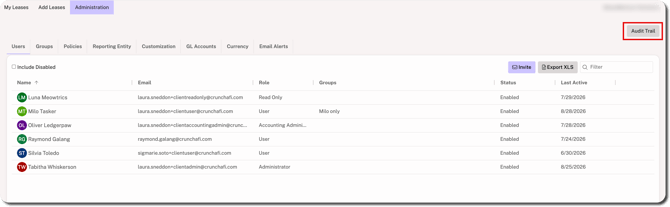
When logged in as an Admin or Accounting Admin, go to the Administration tab and click Audit Trail in the top-right corner to see activity across the account.
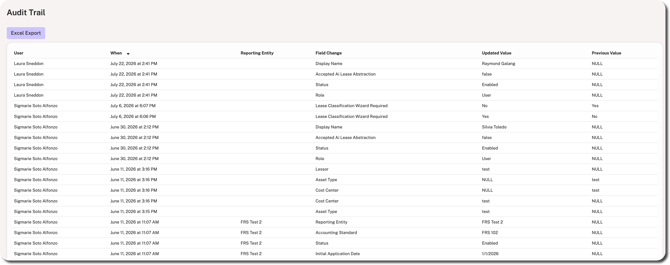
The audit trail shows all account-level activity related to system configurations and other lease-related settings ranging from setting the Initial Application Date for a Reporting Entity to adding or updating users. This includes the name of the user, the time/date, and previous values (if applicable). Click Excel Export above the table if you need to download the log for further viewing/filtering.
Was this article helpful?
YesNo